

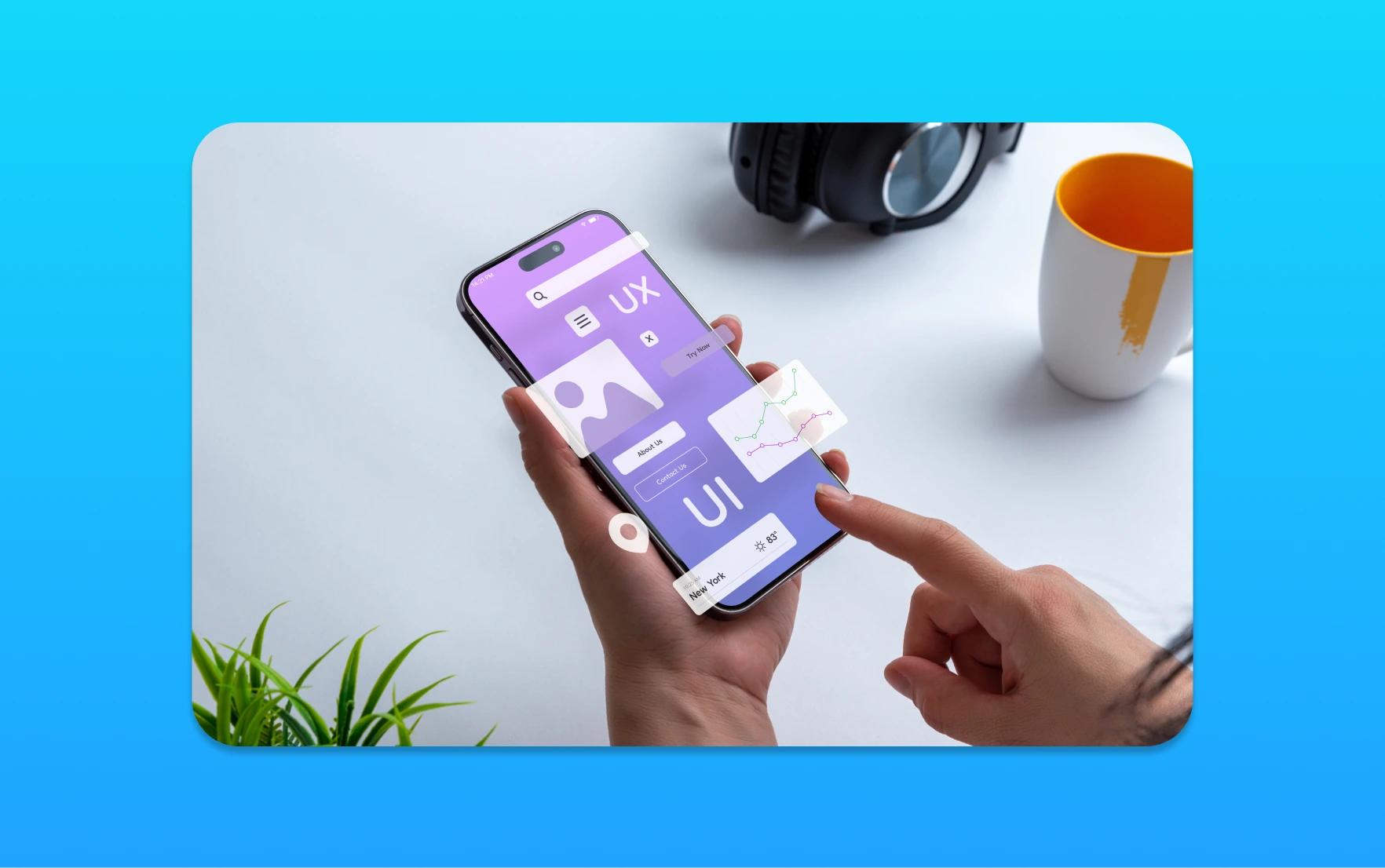
As a business owner, I know how vital it is to make a great first impression on your website visitors. Let’s look at how User Experience (UX) is key in shaping how people see your company and helping it succeed.
A good website is more than just pretty pictures. It’s about creating an experience that keeps visitors coming back. Great UX design helps users see your company in a positive light, which is essential for your online image.
Putting user experience first can help you keep visitors interested and increase sales. In this article, we’ll explore why UX is so important in web design and how it can boost your online success.
Understanding User Experience (UX) in Web Development
Exploring web development, we find that User Experience (UX) is key. Today, a website’s design is more than looks; it’s about a smooth user journey. Let’s look into what UX means and why it’s essential for web development.
Definition of User Experience
User Experience, or UX, is about a user’s whole time on a website. It covers ease of use, functionality, and how they feel. A good UX is easy to use, letting visitors find what they need quickly.
Key Components of UX
UX has three main parts: visual design, interaction design, and information architecture. Visual design makes your site look good and matches your brand. Interaction design is about how users interact with your site, like how buttons work. Information architecture organizes your site’s content, making it easy to find things.

Importance of UX in Web Development
UX is very important in web development. A good UX keeps users engaged and helps you meet your site’s goals. It also affects how users see your brand and might decide to come back or share your site.
Also, a well-designed UX can help your site rank better in search engines. Search engines like Google favor sites that are easy to use.
In summary, understanding and applying good UX is vital for your website’s success. By focusing on UX, you can make a site that looks great and works well, boosting engagement and conversions.
The Impact of UX on User Behavior
A good user experience can change how people use your website. As companies spend on web development, knowing how UX affects user behavior is key. It helps them grow and succeed online.
First Impressions and Visual Design
The look of a website is what first grabs a user’s attention. A site that looks good can make users want to explore more. A simple, easy design can really help with this.
Things like colour, font, and pictures are important for a good first look. For example, a clean design shows professionalism. It also makes it easier for users to find their way around.
Navigation Ease and Information Findability
After catching their interest, how easy it is to use the site matters a lot. A clear menu and organized content improve the user experience. This leads to happier users and more engagement.
Businesses should make their content easy to follow. This means organizing it in a way that makes sense to users. So, important info is easy to find.
Emotional Engagement and User Retention
Emotional connection is also key in UX. When a site touches users emotionally, it builds loyalty. This makes users come back more often. Let’s see how stories and personal touches can make this happen.
By adding things that match users’ interests, sites can feel more personal. This keeps users coming back. It also makes them more likely to recommend the site to others.
In short, UX affects users in many ways, from looks to emotional connection. By focusing on these, companies can make a site that keeps users coming back. This helps them grow and succeed online.
SEO and UX: A Symbiotic Relationship
Understanding how SEO and UX work together is key for businesses online. As a digital solutions expert, I’ve seen how these two are closely linked. Good UX can help a website’s SEO, and a strong SEO strategy can guide UX design.
Influencing Search Engine Rankings
User experience is vital for search engine rankings. Search engines like Google favour websites that are easy to use and engaging. Good UX means clear navigation, structured content, and responsive design, all helping a website show up better in search results.
Also, a website with great UX keeps visitors longer and engages them more. This is what search engines look for to judge a website’s quality. By focusing on UX, businesses can attract and keep visitors, boosting their search rankings.
The Role of Page Speed and Mobile Responsiveness
Page speed and mobile responsiveness are key for both UX and SEO. A slow website can scare off visitors, leading to high bounce rates. A website not made for mobiles can also upset users, making it hard to use on smaller screens.
To fix these problems, businesses should work on making their websites faster. This includes compressing images and reducing HTTP requests. Also, designing for mobiles first ensures a good experience on all devices.
User Experience Metrics for SEO
To see how UX affects SEO, businesses should track important metrics. These include time on page, bounce rate, and conversion rate. These metrics show how users interact with a website, helping spot areas for improvement.
Also, listening to user feedback and doing usability tests can give deeper insights. By mixing both types of data, businesses can fully understand their website’s UX. This knowledge helps make targeted improvements to boost SEO.
Common UX Design Principles for Web Development
To make a website that truly connects with its audience, following key UX design principles is essential. These principles help build websites that are easy to use, engaging, and drive conversions.
Understanding UX design principles is vital in web development. They can greatly improve a website’s usability and user satisfaction. By using these principles, businesses can make their websites more user-friendly.
Consistency in Design
Consistency is key for a smooth user experience. It means keeping design elements like typography, colors, and button styles the same throughout the site.
A consistent design makes navigation easier for users. It reduces confusion and improves their experience. For example, using the same typography and colors makes the site look cohesive.
Clear Call-to-Action (CTA) Placement
A clear and prominent call-to-action (CTA) is vital. It guides users and encourages them to take action.
CTAs should be placed strategically. They should be easy to find and understand. Best practices include placing them above the fold and using contrasting colors. They should also be large enough to click on all devices.
Responsive Design Best Practices
With most users accessing websites on mobiles, responsive design is essential.
A responsive website adjusts to the user’s device, ensuring a great viewing experience. Key practices include using flexible grids and images that scale. Media queries help adjust the layout for different devices.
Testing the website on various devices is also important. This ensures a consistent user experience. By following these UX design principles, businesses can create visually appealing and functional websites.
This leads to higher engagement and conversion rates. It makes for a successful online presence. Affordable web development packages can help small and medium-sized businesses in the UK achieve this.
Tools for Measuring User Experience
Let’s look at tools for measuring and improving user experience on your website. In today’s digital world, knowing how users interact with your site is key. It helps you make smart design choices.
Popular UX Research and Testing Tools
There are many UX research and testing tools out there. They give valuable insights into user behavior. Some top tools include:
- Hotjar: Offers heatmaps, session recordings, and user feedback to understand user interactions.
- Optimizely: Enables A/B testing and personalization to enhance user experience.
- Crazy Egg: Provides heatmaps, user recordings, and A/B testing to optimize website performance.
- UserTesting: Offers real-user testing and feedback to identify usability issues.
These tools help businesses collect data on user website navigation. They spot pain points and make decisions to better UX.
Qualitative vs. Quantitative Data Insights
Understanding qualitative and quantitative data in UX research is key. Quantitative data gives numbers, like click-through rates. Qualitative data offers deeper insights through user feedback and observations.
For example, quantitative data might show many users leave their shopping carts. But qualitative data could reveal checkout confusion or payment security worries.
Analyzing User Feedback
Analyzing user feedback is vital in UX design. It involves looking at both qualitative and quantitative data. This helps spot areas for improvement and make changes for better user experience.
Effective feedback analysis includes:
- Identifying common pain points and areas of friction.
- Understanding user motivations and behaviors.
- Prioritizing UX improvements based on user needs and business goals.
By using UX research and testing tools, and analyzing feedback, businesses can make their user experience better. This leads to growth and success.
The Role of Accessibility in UX
Accessibility is key in user experience (UX) design. It lets all users easily use and enjoy websites. When designing websites, we must think about everyone’s needs. This ensures our content is accessible to all.
Why Accessibility Matters in Web Design
Accessibility is important because it makes websites usable for everyone. This includes people with disabilities. It’s not just about following the law; it also helps you reach more people.
Having an accessible website boosts user engagement and your brand’s image. It also gives you an edge over competitors.
Accessibility is about making the web inclusive. It’s about designing for different abilities and needs. This includes visual, auditory, motor, and cognitive abilities.
Common Accessibility Guidelines to Follow
To make your website accessible, follow these guidelines:
- Use clear and consistent navigation.
- Provide alternative text for images.
- Ensure that your website can be navigated using a keyboard.
- Use high contrast colours and clear typography.
- Avoid auto-playing media and ensure that users can control playback.
By following these guidelines, you’ll create a website that’s easy to use and accessible.
Tools to Evaluate Website Accessibility
There are many tools to check your website’s accessibility. Some popular ones are:
- WAVE Web Accessibility Evaluation Tool.
- axe DevTools.
- Lighthouse.
- WebAIM’s Color Contrast Checker.
These tools spot accessibility problems and suggest fixes. Regular checks with these tools keep your website accessible.
In summary, accessibility is vital in UX design. By understanding its role, following guidelines, and using tools, you can make websites more inclusive. Let’s work together to make the web more accessible, one website at a time.
User Experience Trends to Watch
Let’s look at the current UX trends that are changing how we use websites. Businesses are working hard to keep up in the digital world. It’s key to know and use these trends to give users great experiences.
The Rise of Minimalist Design
Minimalist design is becoming more popular. It’s because it makes websites clean and easy to use. This design helps users find what they need quickly.
Using minimalist design can make websites load faster and work better on phones. This helps keep users interested and can lead to more sales. We help businesses make their websites simple yet effective.
Importance of Personalization
Personalization is getting more important. Users want websites to feel made just for them. By using data, businesses can make experiences that really connect with people.
Personalization can be done in many ways. For example, showing content that matches what users like or sending special offers. These actions can make users more engaged and likely to come back.
Microinteractions and Their Benefits
Microinteractions are small details that make a big difference. They add animations or feedback that make users feel good. This makes their time on the website more fun.
Adding thoughtful microinteractions can make a website more lively. It makes users happier and more likely to come back. This helps create a strong brand image.
Best Practices for Enhancing UX
Let’s look at the main ways to improve UX on your website. This boosts your online presence. It’s about knowing your users, making interfaces easy to use, and improving based on feedback.
Conducting User Research
User research is key to a user-focused website. It’s about learning about your audience’s needs and how they behave. Surveys, interviews, and analytics tools help you understand what users want from your site.
Research leads to creating user personas. These are detailed profiles of your ideal users. They help guide your design, making sure your site meets your audience’s needs.
Prototyping and User Testing
After knowing your users, create website prototypes. Prototyping is making a basic version of your site to test with real users. It helps spot usability problems early, saving time and money.
User testing lets you see how real users interact with your prototype. You get feedback on their experience and find areas to improve. This feedback is key to refining your design and meeting user needs.
Iteration and Continuous Improvement
Improving UX is an ongoing effort. After launching your site, keep gathering user feedback and analyzing how users behave. This helps you make smart updates and keep your site relevant and user-friendly.
By always improving, you stay ahead of competitors. Regularly update your content, refine your design, and use new tech to better the user experience.
In summary, to enhance UX, do user research, create prototypes, test with users, and keep improving. By following these steps, you can make a website that attracts and keeps visitors, leading to business success.
The Business Case for Investing in UX
In today’s digital market, UX is vital. It helps businesses stand out and keep customers. Knowing UX’s value is key for smart digital planning.
ROI of Good User Experience
UX investment pays off big time. Research shows a dollar in UX can return up to $100. A good UX boosts sales, makes customers happy, and cuts bounce rates.
A top e-commerce site saw sales jump 35% after a UX makeover. This shows UX’s real impact on profits.
Case Studies of Successful UX Strategies
Many businesses have grown thanks to UX. For example, a travel booking site boosted conversions by 20% with easier navigation. An online learning site cut bounce rates by 50% with better mobile UX.
These stories show UX’s power to change businesses for the better. By focusing on UX, companies can stay ahead and meet their digital goals.
Long-term Benefits of Prioritizing UX
UX is not just for quick wins. It’s a long-term plan for growth. Investing in UX builds strong customer ties, boosts loyalty, and keeps you competitive.
Good UX also encourages positive feedback and repeat business. It’s a must for any business aiming to be a top web developer in the UK.
Future of User Experience in Web Development
User Experience (UX) will remain key in web development as we move forward. New tech like Artificial Intelligence (AI) and Augmented Reality (AR) will change how we experience websites. They will help businesses give more tailored and engaging online experiences.
Shaping the UX Future with Emerging Technologies
Emerging tech will greatly impact UX. AI chatbots, for example, are now common, providing round-the-clock customer support. AR is also changing how we see and interact with products online, making it more interactive.
Evolution of User-Centric Design
The future of UX focuses on user-centric design. As tech improves, we’ll see more focus on meeting individual user needs. This means companies will need to invest in web development that puts UX first. They must ensure their sites are easy to use, fast, and accessible.
Predictions for UX Design Trends
In the next decade, UX design trends will evolve with new tech. We’ll see more voice UI, a bigger focus on accessibility, and AI in design tools. By keeping up with these trends, businesses can keep their websites competitive and user-friendly.